
12 November 2026 · 9 min
Modern Web Guidance 1.0: AI coding agents need to learn today's web
AI writes frontend code faster. It still creates legacy JavaScript workarounds, broken forms, and accessibility gaps. Modern Web Guidance shows how speed becomes dependable web development.


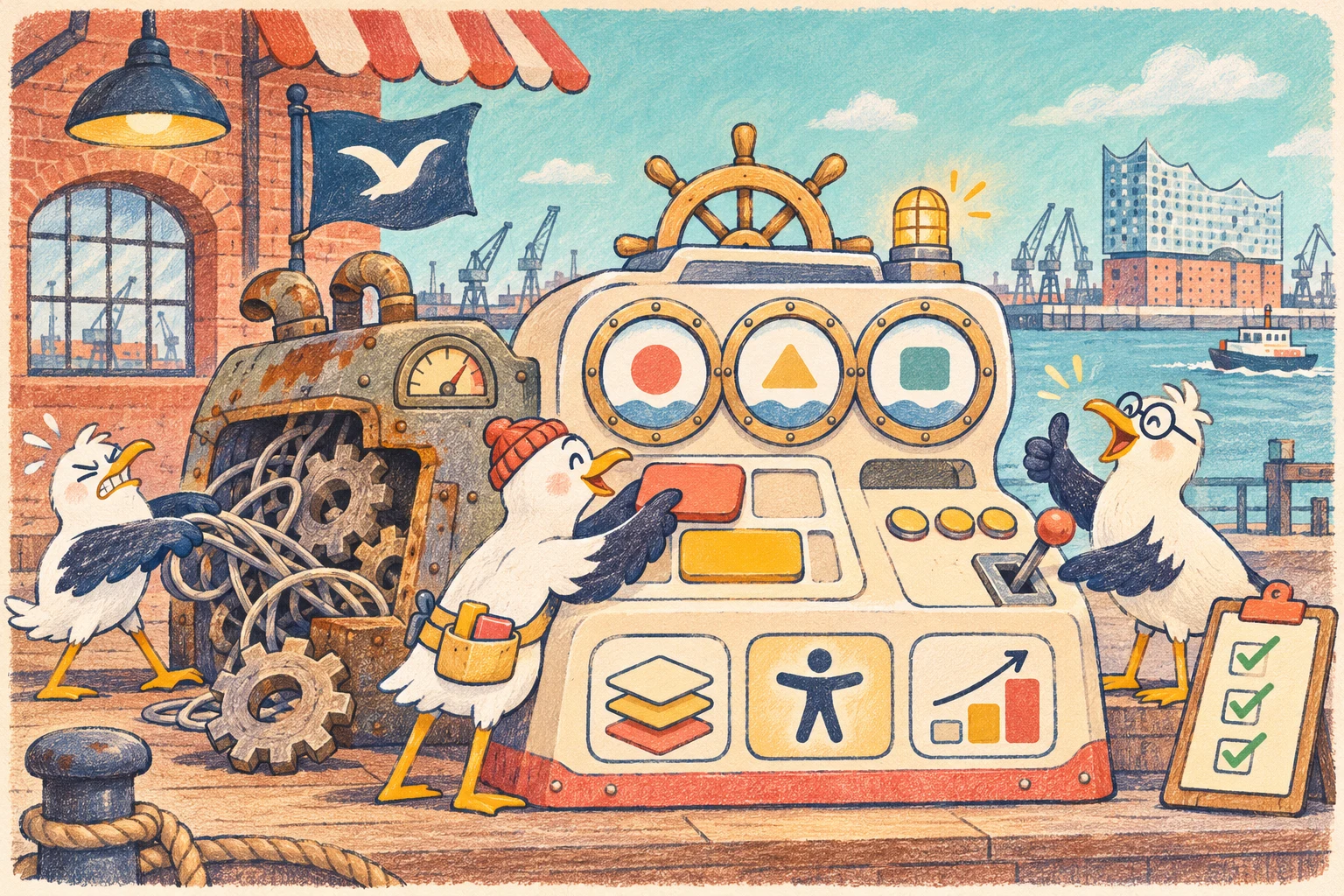

Faster code is no longer a competitive advantage
Google released Modern Web Guidance 1.0 as a stable version on November 10, 2026. The collection brings current web standards, browser compatibility, accessibility, performance, security, and privacy knowledge directly into coding agents. More than 200 practical use cases aim to stop AI from producing frontend code that works but is unnecessarily old.
The timing makes sense. Coding agents build components, migrate projects, and fix bugs in minutes. Speed is becoming normal. Differentiation moves back to what users experience: clear forms, responsive interaction, reliable keyboard support, and websites that work across browsers.
A good prompt can describe an interface. It cannot replace current web platform knowledge or verification in a real browser.
AI knows too much of the old web
Language models learn from enormous archives of existing code. Those archives contain years of jQuery plugins, hand built dropdowns, JavaScript modals, scroll listeners, and workarounds for browsers that no longer exist. New standards have far fewer examples.
That explains a familiar pattern. The agent solves the task but reaches for an approach that made sense in 2019. It writes custom focus management for a dialog. It rebuilds a select from div elements and click handlers. It measures heights in JavaScript for an animation the browser can now perform natively.
Google reports that current models passed roughly 60 percent of modern web checks without guidance across nearly 1,000 public evaluation runs. With Modern Web Guidance, the pass rate rose to about 80 to 90 percent depending on the run. This does not guarantee perfect code. It is strong evidence that context changes technical quality.
Guidance is neither a linter nor a magic autopilot
Modern Web Guidance consists of concise, expert reviewed guides. The agent loads a relevant guide before implementation and receives current rules, common failures, and a browser strategy for that task.
A linter usually checks syntax, style, and selected static patterns. Guidance acts earlier. It changes the chosen approach. The agent may learn that the native dialog element already provides semantics, focus behavior, and its own top layer logic. It can write less code and imitate less browser behavior.
The agent is still fallible. It may miss a guide, misunderstand the requirement, or forget a fallback. Guidance improves the decision before coding. Tests prove whether that decision works in the product.
Native HTML and CSS are often the better shortcut
Many frontend jobs look complex because teams remember their historical solutions. The modern web platform has moved part of that complexity into the browser.
Dialog, popover, Invoker Commands, CSS Anchor Positioning, View Transitions, and new support for discrete animation can reduce custom JavaScript. A native select remains a real form control, works with the keyboard, and submits its value. Progressive enhancement can style it in new browsers while older browsers render a functional standard select.
Google reports a jump from 44 percent to 92 percent passing checks on customizable select tasks with guidance. Common unguided failures included missing labels, no name attribute, broken keyboard navigation, and controls that did not submit with the form.
Less JavaScript is not automatically better. Complex product logic still needs it. The useful question is whether the team truly needs to own and maintain this browser behavior itself.
Accessibility belongs in the technical definition of done
AI generated code often looks convincing in a screenshot. Accessibility failures are difficult to see there. A dialog can look polished while losing focus. A menu can respond to clicks while remaining unreachable from the keyboard. An animation can feel smooth while ignoring the reduced motion preference.
Modern Web Guidance treats keyboard support, focus management, inert, contrast, form labels, ARIA states, and prefers reduced motion as technical requirements. Google says its user facing guides received additional review by accessibility specialists using real assistive technology.
This matters because incorrect ARIA can make an interface less accessible than no ARIA. An agent should not add as many attributes as possible. It should choose the correct native element first and supply only the semantics that are missing.
Automated checks remain only part of the evidence. Keyboard paths, focus order, and screen reader behavior still need direct testing.
Baseline turns browser support into a deliberate decision
Modern does not mean available everywhere. An API may be stable in one browser and absent in another. Teams need a browser support policy instead of a spontaneous decision in every pull request.
Modern Web Guidance uses Baseline data. It indicates whether a feature has limited availability, is newly available, or has been broadly interoperable for at least 30 months. Each guide connects that status with a suitable fallback strategy.
Progressive enhancement becomes concrete. A team can use a modern feature when the core task remains available in older browsers. It does not have to choose between permanent stagnation and risky feature chasing.
Target browsers belong in AGENTS.md, CLAUDE.md, or another project rule. Without that context, even a current guide cannot know whether an internal app supports only the latest Chrome or a public store still needs older Safari versions.
Existing code deserves more attention than the next demo
Most websites do not begin on an empty page. They grow over years. Dependencies remain after browsers learn to do the same job. Polyfills are never removed. Components copy workarounds from older projects.
Modern Web Guidance 1.0 includes a modernization workflow for existing codebases. It examines HTML, CSS, JavaScript, and package.json for known patterns and proposes safe updates. Google describes the first release of static analysis as deliberately narrow. That is sensible because automatic cleanup without product context can cause more damage than improvement.
The best first use is an audit. The agent explains which native capability could replace a workaround, which browsers are affected, and which behavior needs testing. The code change follows only after that explanation.
Knowledge before coding needs evidence after coding
A guide can explain how to break up a long JavaScript task. It cannot know whether the actual page reaches a good Interaction to Next Paint. It can recommend a dialog animation but cannot see whether the result fits the design or flickers on exit.
Google therefore recommends pairing the guidance with Chrome DevTools for agents. Guidance provides knowledge before implementation. DevTools reveals network, rendering, memory, the accessibility tree, and performance in the running product.
A dependable workflow needs both. The agent should open the page, interact with it, and verify critical states rather than stopping after writing code. Mobile viewports, slow networks, reduced motion, and keyboard operation belong in acceptance when they matter to the product.
A green build proves that code compiles. It does not prove that a customer can complete the job.
Developers need to understand what the agent changes
More agent work should not remove technical understanding from the team. Modern Web Guidance 1.0 asks the agent to explain which guides it applied, which APIs or fallbacks it used, and which failure each choice prevents.
That transparency changes code review. Instead of accepting a large diff, a developer can inspect the technical decision. Why is popover a better fit than the current library? Which browsers receive the fallback? What happens with reduced motion? What semantics does a screen reader receive?
AI coding becomes a learning process. The agent delivers a solution while exposing the underlying platform feature. The team gains knowledge that remains useful for the next bug and the next project.
A useful project rule is more specific than “write modern code”
Vague prompts create vague standards. A project should state which browsers it supports, which accessibility level it expects, when native elements take priority, and which checks run before merge.
Sequence matters too. First understand the task. Then find relevant guidance. Next explain the approach, implement it, and verify it in the browser. For risky modernization, keep the audit separate from the edit.
These rules belong close to the codebase. They cannot live only in an onboarding document nobody opens. The coding agent needs them in the same context where it works.
Quality can be measured in business terms
The goal is not to collect as many modern APIs as possible. A strong web project needs fewer preventable bugs, fewer unnecessary dependencies, and less time spent repeating the same review feedback.
Teams can track how often accessibility or browser support needs late correction. They can measure JavaScript bundle size, Core Web Vitals, keyboard failures, and the number of custom components that imitate native controls. Modernization can also remove polyfills, reduce maintenance surface, and stabilize conversion flows.
The customer task remains the main metric. A checkout is not better because its select is technically modern. It is better when people complete payment on mobile faster and with fewer errors.
A useful start does not require a platform migration
One painful component is enough for a first pass. A form, dialog, navigation, or accordion provides real evidence. Ask the agent to audit the current solution without changing it. Compare the proposal with browser support, the design system, and accessibility requirements.
Then make one small change and verify it in a real browser. If it produces less code, clear behavior, and no regression, the pattern can move to more components.
Modern Web Guidance should be versioned and updated regularly. The web platform keeps moving. A guide that recommends a fallback today may later identify it as unnecessary.
Our conclusion
Modern Web Guidance 1.0 addresses a real problem in AI coding agents. They work quickly but often reach for old frontend patterns without current context. Expert guides, Baseline data, and browser tests bring quality closer to that speed.
The real advantage is not another agent extension. It is a better development process. Knowledge comes before coding, evidence comes afterward, and developers understand the decision between them.
Teams that judge AI only by speed create technical debt faster. Teams that combine guidance, review, and browser QA build better websites faster.
Primary sources
Chrome for Developers: Modern Web Guidance 1.0 describes the release, guide library, modernization workflow, Baseline integration, evaluation approach, and collaboration with Firefox and Edge.
Chrome for Developers: Beyond code generation explains the learning angle, results from nearly 1,000 evaluation runs, and specific examples for dialogs, selects, and progressive enhancement.
Chrome for Developers: Get started with Modern Web Guidance documents installation, guide search, and integration with coding agents including Codex, Claude Code, Copilot, and WebStorm.
Modern Web Guidance Evals explains controlled A and B tasks, browser grading, and the limits of automated accessibility checks.