18 November 2026 · 9 min
GitHub Event Streams: AI agents should stop polling
GitHub can now notify agents about pull request changes in real time. That saves empty API requests and waiting time, but only if the architecture handles gaps, duplicates and expired streams.



An agent should not ask every ten seconds
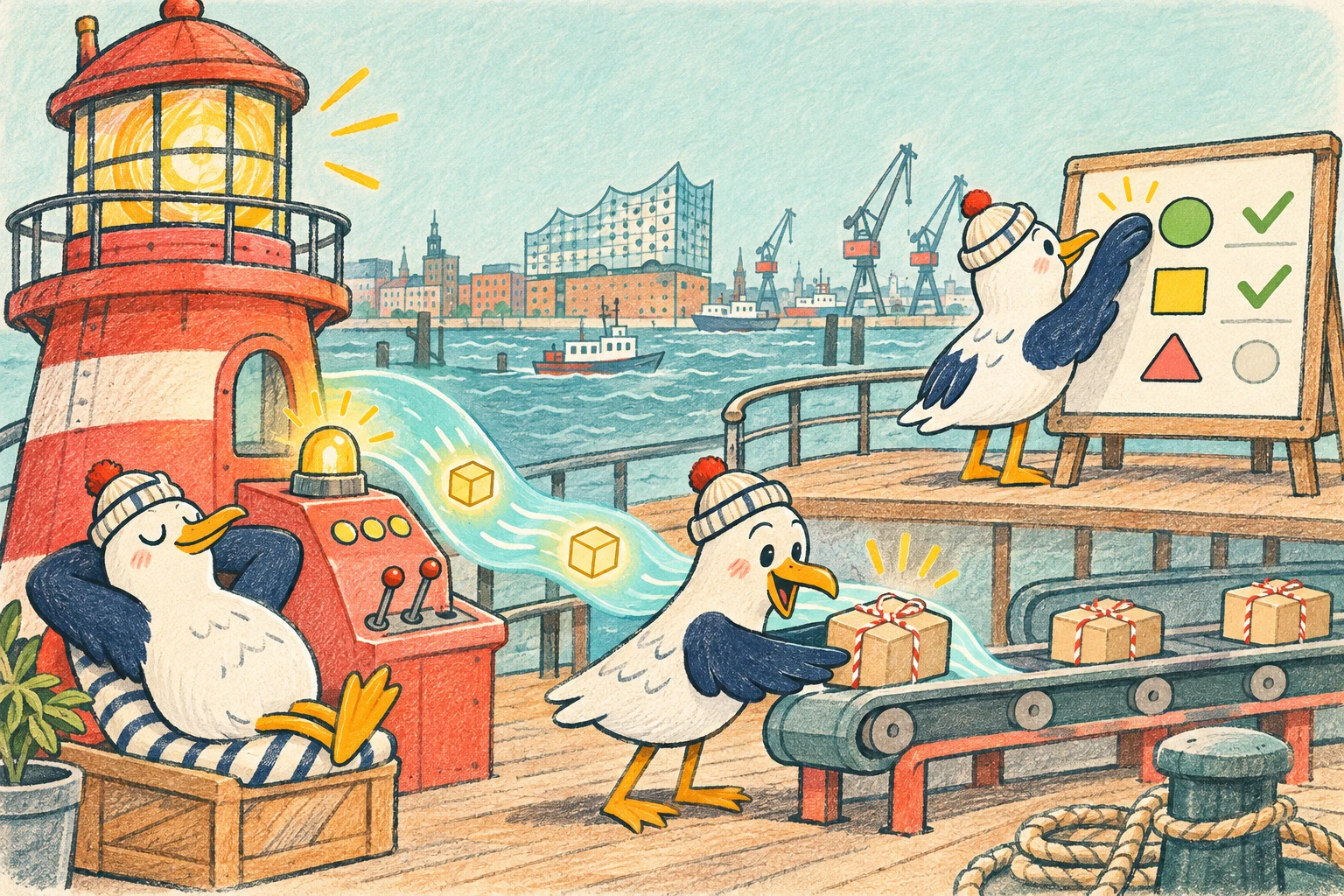
GitHub introduced Event Streams as a public preview on November 17, 2026. The new system informs AI agents and integrations in real time when a subscribed pull request changes. An agent can sleep while nothing happens and wake when a review arrives, a commit is pushed, a merge conflict appears or a check completes.
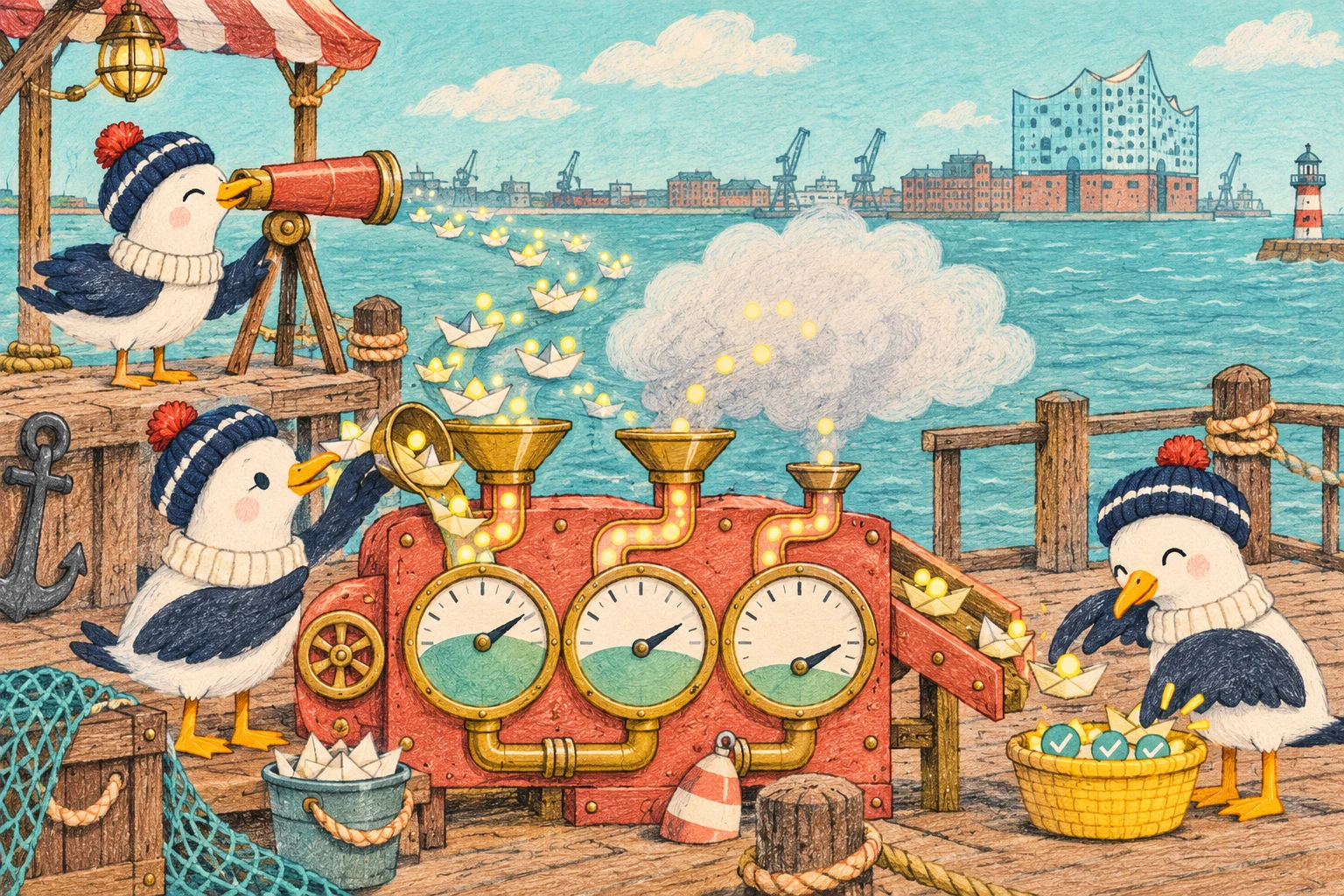
This sounds like a small technical improvement. For AI automation, it changes the rhythm of work. Many agents currently check GitHub in a loop. They ask for status, usually find nothing new, consume API budget and start again later. Asking less often saves requests but leaves feedback waiting longer.
Event Streams do not solve that tradeoff with magic. They provide a better trigger. The automation still has to make a reliable decision, fetch current state and perform the correct action.
Polling costs more than rate limit
A polling loop appears harmless. A process calls the pull request API on a schedule and compares the response with the last known state. For one repository, the load stays manageable. Across many pull requests, client projects and agents, it grows quickly.
Every empty request needs network traffic, authentication, logging and error handling. An agent may also spend tokens evaluating the same data again. Long intervals reduce cost but increase the delay between feedback and reaction. Short intervals feel responsive but create more noise.
The commercial cost is not limited to API requests. Developers wait for a response while the automation either sleeps or does unnecessary work. An event driven flow turns uncertain waiting into a concrete task.
Event Streams are not another webhook
GitHub delivers events through Server Sent Events. The client opens a connection and keeps it open. It does not need a publicly reachable webhook endpoint. That is especially useful for local coding agents, desktop tools and temporary development environments that should not remain exposed to the internet.
A classic webhook still makes sense for stable server integrations. GitHub sends events to a registered HTTPS endpoint. Event Streams reverse that relationship. The client connects to GitHub and receives events over the existing connection.
This makes adoption easier but does not replace every webhook architecture. A local agent benefits from avoiding public infrastructure. A central enterprise service may still be better served by webhooks, a queue and a durable event store.
Today it starts with one pull request
The preview currently supports pull requests. One subscription covers exactly one pull request and expires after 24 hours. Each user, app or installation token can hold up to 100 active subscriptions.
GitHub can emit events when someone submits a review, the head commit changes, a merge conflict is detected, the pull request state changes or a check suite completes. State changes include merge, close, reopen, ready for review and conversion to draft.
That is enough for useful agents, but it is not a universal event platform yet. A team that needs to monitor issues, deployments, discussions and releases across an organisation still needs other APIs, webhooks or focused polling.
The event is an alarm clock, not the truth
An Event Stream primarily says that something changed. Most events do not include the complete new state. GitHub provides an api_url instead. The client fetches that URL and reads the current state.
This distinction matters. A review event does not automatically say whether someone approved, requested changes or commented. A state event does not directly say whether the pull request was merged or closed. Check suite events are an exception. They contain a conclusion, so the client can distinguish success from failure immediately.
A robust agent therefore does not act blindly on the event name. It treats the event as a signal, fetches current state and decides after that.
No replay means every automation needs reconciliation
Event Streams do not store events for later retrieval. The client receives only what happens while its connection is open. Changes before the stream opens, immediately after a subscription is created or during a disconnect can be missed.
GitHub therefore recommends fetching the pull request once after subscribing. The same principle belongs in every reconnect. The agent restores the connection, loads current state and compares it with the last safely processed state.
This explains why event driven does not mean event only. The stream removes unnecessary polling. The REST API remains the source for reliable current state.
Duplicates and wrong order are normal
GitHub documents that an event may arrive more than once and that events for the same pull request can arrive out of order. An agent must not perform an action once for every message without checking.
Processing needs idempotency. A review that has already been handled must not create a second comment. An older failed check must not overwrite a newer successful result. For reviews and check suites, api_url can form part of a deduplication key. For the pull request itself, the freshly fetched state should decide.
These rules sound technical but they protect the user experience. Nobody wants an agent to post the same advice three times or keep requesting changes after a merge.
A long lived connection needs signs of life
While nothing happens, GitHub sends a comment line as a heartbeat within 15 seconds. The client should ignore the line as data but can use it to recognise that the connection is alive.
When GitHub closes a stream, it sends a github.stream.end event with an outcome. subscription_ended means the subscription expired or access to the pull request was lost. reconnect tells the client to reopen the same subscription, wait with jitter and refresh the token first when necessary.
An unexpected disconnect without an end event also requires a reconnect. Good automation does not treat these cases as rare edge conditions. They are part of normal operation.
Token lifetime determines stream lifetime
Event Streams accept user tokens and GitHub App installation tokens. Authentication as an app itself is not supported. The user or installation also needs read access to the subscribed pull request.
Installation tokens expire after one hour. The open stream ends at the next access check. The agent needs to create a fresh token before reconnecting. A GITHUB_TOKEN from GitHub Actions cannot be renewed, so subscriptions created with it should be deleted before the job ends.
Authentication is not a one time startup step here. It belongs in the state machine of the stream client.
A good agent waits for the right work
A practical review agent subscribes to a pull request, fetches the initial state and waits. After a new commit, it checks only the changed revision. After a review, it reads the decision and open questions. After a check suite, it evaluates the result. After merge or close, it stops working and removes the subscription.
Not every event should immediately launch an expensive model request. Several check suites can finish close together. GitHub sends one event per suite and currently provides no single event for all checks completed. The agent should fetch aggregate state, group a short burst of events and act only when the situation is clear.
The result is less activity and more relevant work.
Put the preview behind a small interface
GitHub explicitly warns that the API, event types and limits can change with short notice during the public preview. Event Streams are also available only on GitHub.com, not GHE.com, and access is enabled through a waitlist.
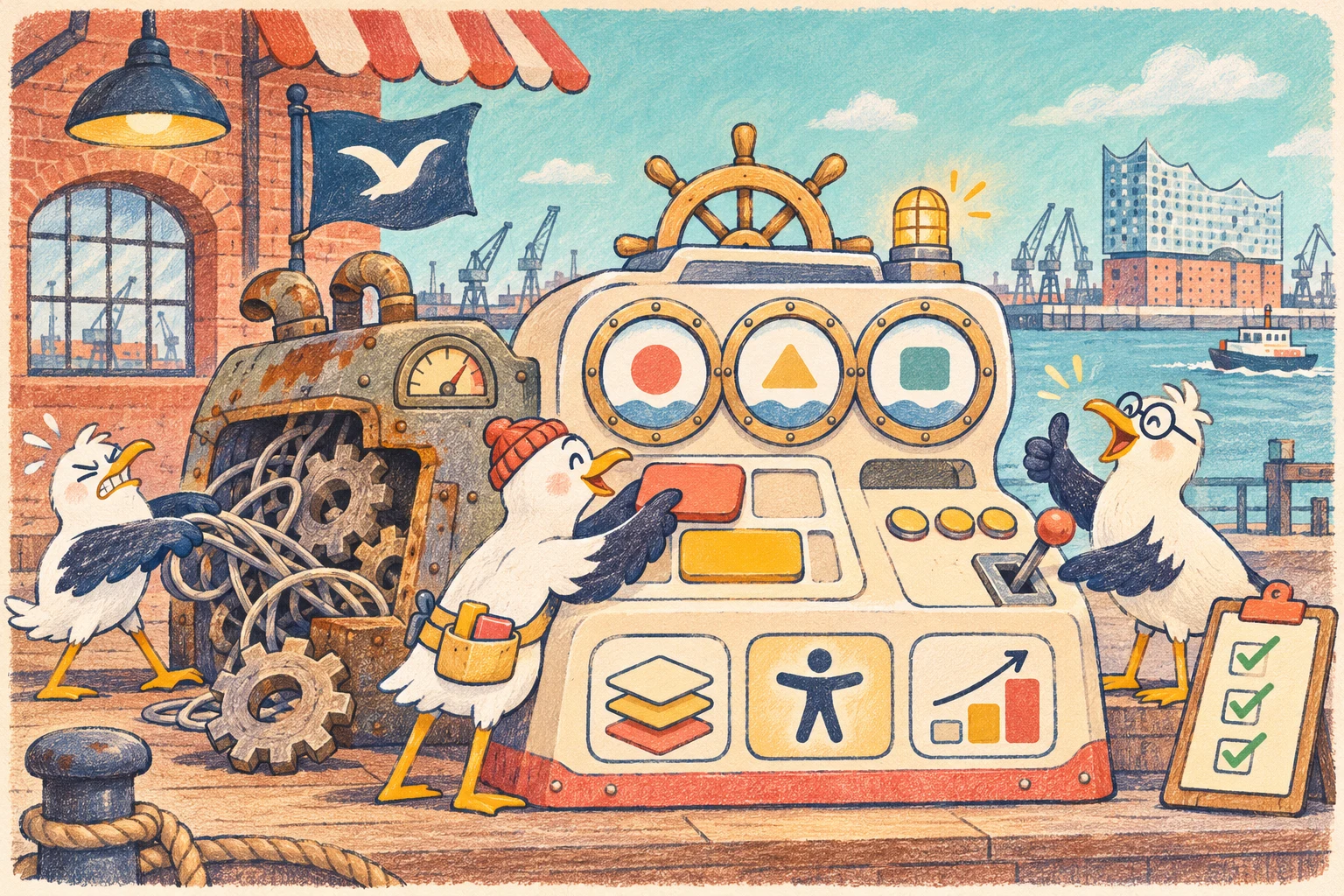
The integration should therefore not spread deep into every business rule. A small adapter handles subscriptions, SSE parsing, reconnects, token refresh and normalisation. Behind it, the existing job queue works with an internal event format.
If GitHub changes the preview, the business automation remains stable. If the stream fails, the adapter can fall back to conservative polling without rewriting the whole workflow.
Success is measured in reaction time and idle work
The number of received events is not a useful success metric. What matters is whether feedback gets processed sooner and how much unnecessary work disappears.
We would measure the time from review to the first useful reaction. Other useful signals include empty API requests, reconnect rate, missed state changes, duplicate jobs and model cost per completed pull request. Human corrections matter too. A fast agent that reacts too early or twice is not an improvement.
These metrics reveal whether Event Streams are actually better than the existing loop. The technology alone cannot answer that question.
Our conclusion
GitHub Event Streams turn GitHub into a real time source for agents and automation. Local tools benefit especially because they do not need public webhook infrastructure. Less polling saves API budget, tokens and waiting time.
The preview still requires careful architecture. There is no replay, events can be duplicated or arrive out of order, subscriptions expire and current state needs to be fetched through the API.
The right approach is not to switch off polling and open a stream. It is to use events as an alarm clock, reconcile state reliably and make every action idempotent. Then the agent works not more often, but exactly when its work is needed.
Primary sources
GitHub Changelog: GitHub Event Streams is now in preview introduces the preview, supported pull request events and operation without a public webhook endpoint.
GitHub Docs: Using GitHub Event Streams documents SSE, authentication, subscription limits, lifetimes, reconnects, missing replay, duplicates and known limitations.
GitHub REST API: Events describes the existing polling API, ETag support and the X Poll Interval header for integrations that continue to request events.