08 November 2026 · 9 min
GPT Image 2.6 for marketing: turn image generation into a production system
Faster AI image generation is useful. It creates value only when brand, approval, variants, and cost work together. GPT Image 2.6 shows why the best prompt is not a creative workflow.


More images do not make a better campaign
OpenAI released GPT Image 2.6 on November 4, 2026. The generation brings two API models, faster iteration, more targeted image editing, SVG output, and animated GIFs. That sounds like a shortcut for marketing teams. In practice, it is mainly a test of their process.
A company without a clear visual language, approval route, and organized asset library will use a faster model to create disorder faster. The commercial gain does not come from maximizing the number of visuals. It comes from producing the right visuals, keeping them recognizable, delivering the right format, and publishing without a long cleanup round.
The useful question is therefore not which prompt creates the prettiest picture. It is how AI image generation becomes a dependable creative workflow.
Flare for speed, Sunburst for precision
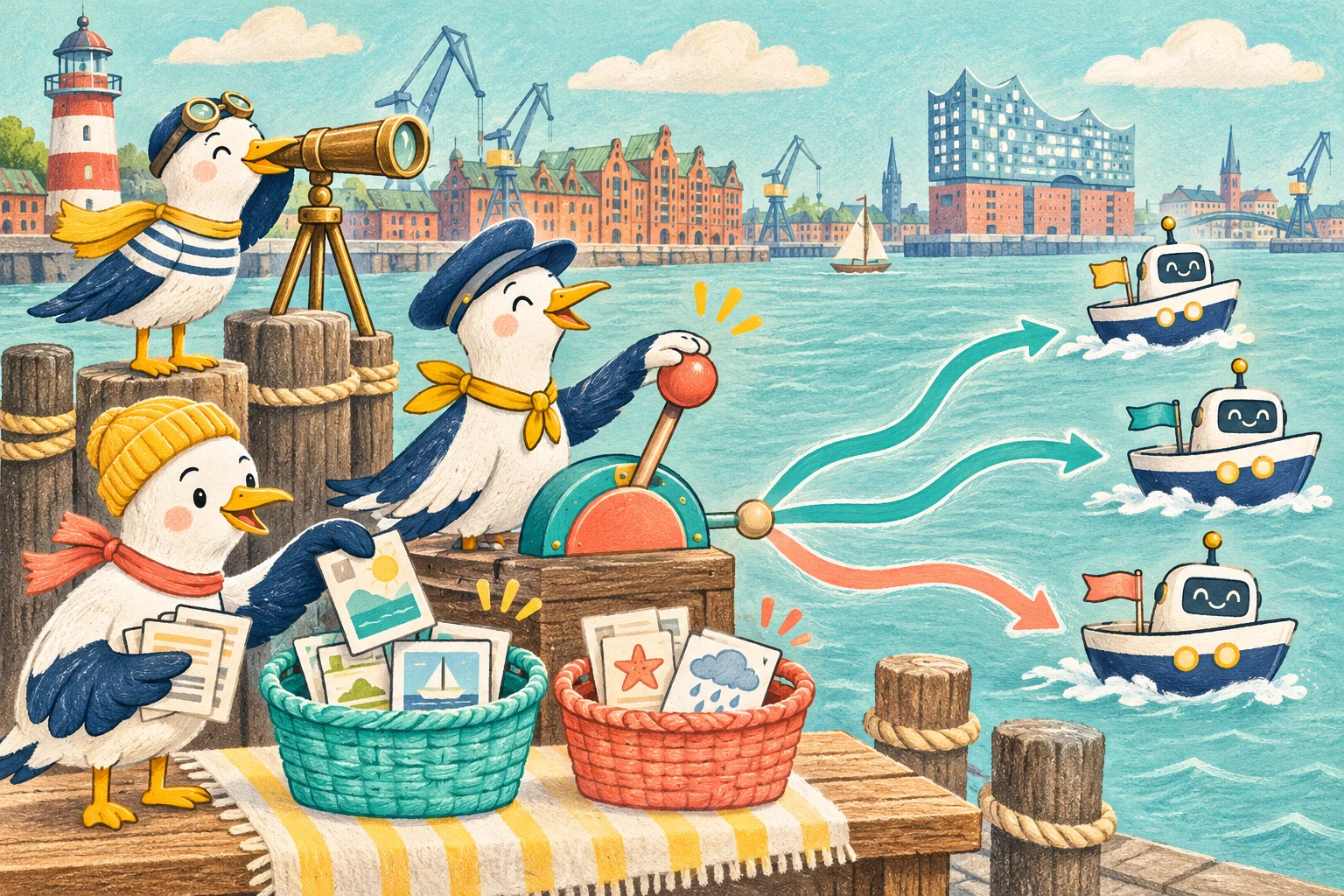
OpenAI offers GPT Image 2.6 Flare and GPT Image 2.6 Sunburst through the Image API. Flare is built for fast iteration. OpenAI says it can generate in as little as six seconds when quality is set to low. Sunburst targets detailed compositions and precise editing. At medium or high quality, it is designed to preserve details more consistently across edits.
This distinction is more useful than calling one model universally better. Flare suits early directions, format ideas, and quick selection rounds. Sunburst fits work where a product, character, layout, and brand detail have to remain exact.
A good team does not switch by instinct. It defines what the pass needs to accomplish. A moodboard rewards speed. A final product visual rewards continuity and editability. The model follows the job, not the other way around.
Complexity is not a second quality control
GPT Image 2.6 adds a complexity parameter to the API. Low, medium, and high control how much planning the model performs before rendering. High is the default when the field is omitted. The separate quality setting continues to control rendering quality.
That distinction matters in production. A small color change does not automatically need extensive planning. A scene with several products, exact typography, and spatial relationships may benefit from it. OpenAI also warns that higher complexity can increase latency and introduce unwanted changes.
More planning does not automatically mean more control during editing. OpenAI recommends low complexity for focused changes. We would test complexity like any production variable, using the same brief, the same references, and a clear definition of acceptable.
The right metric is not the number of generated images. It is the time required to reach an approved asset.
Markup makes feedback visible
Many image rounds fail because of feedback rather than the model. “Make it calmer,” “move the product left,” or “change only the vase” leaves too much room for interpretation. Markup guided editing adds an annotation layer to the edit endpoint. The team marks the area and explains the requested change in the prompt.
The workflow begins to resemble a real creative review. The editor shows where something should happen. The text explains what should happen. Everything outside the annotation receives an explicit instruction to remain unchanged.
Technically, markup applies to the first input image. Further images can serve as references. Markup and a mask cannot be combined in the same request. OpenAI limits both the first image and the annotation to 16,777,216 pixels. The markup file can be no larger than 50 MB.
The working method matters more than the limits. Keep changes small, testable, and separate. A request that rebuilds the background, product color, perspective, and claim at once provides no evidence about which instruction broke consistency.
SVG is a starting point, not a finished logo
GPT Image 2.6 can return static SVG files through the generation endpoint. That is useful for icons, simple illustrations, and scalable web graphics. The output contains paths, shapes, and colors, with no scripts, external resources, or embedded raster images.
An idea can therefore reach an editable asset sooner. Generated SVG is still not automatically ready for production. Paths, file size, color values, accessibility, and browser behavior need review. Logos also require brand research, legal review, and optical correction.
The API allows one SVG output per request. Streaming, partial images, and custom compression are unavailable. The edit endpoint does not return SVG. For a production team, SVG belongs in a focused generation step followed by design review. It does not replace careful vector work.
GIFs need a reason to move
The Image API can now generate animated GIFs from scratch or edit them from reference images. A request can contain two to sixteen frames. The default is nine frames at 200 milliseconds each. Duration can range from 20 to 2,000 milliseconds.
That makes short loops for social media, brand characters, reactions, and early storyboards easier. A useful application still starts with motion that strengthens the message, not with the file format.
A mascot reacting to a successful action can build personality. A product that moves for no reason creates visual noise. Every loop needs a clear start, a readable change, and a transition back to its first frame.
GIF output does not support streaming, partial images, or custom compression. File size, color reduction, loading behavior, and an alternative for reduced motion remain frontend responsibilities. Generation provides movement. The website has to turn it into a good user experience.
Brand recognition starts before the prompt
Brand consistency is often sold as a model feature. A model may preserve details more reliably during edits. It cannot know which details are nonnegotiable for a brand.
A useful brand system therefore describes more than color and logo. It defines characters, proportions, materials, lighting, framing, permitted variation, and common failures. Good reference images show the same visual language in several situations. A prompt translates those rules for one task. It is not the source of the rules.
Campaigns benefit from a small set of approved master assets. New formats and variants begin there. The team can see which character, product, and environment are authoritative. Without that anchor, every generation becomes a new negotiation of the brand.
Creative automation needs an approval path
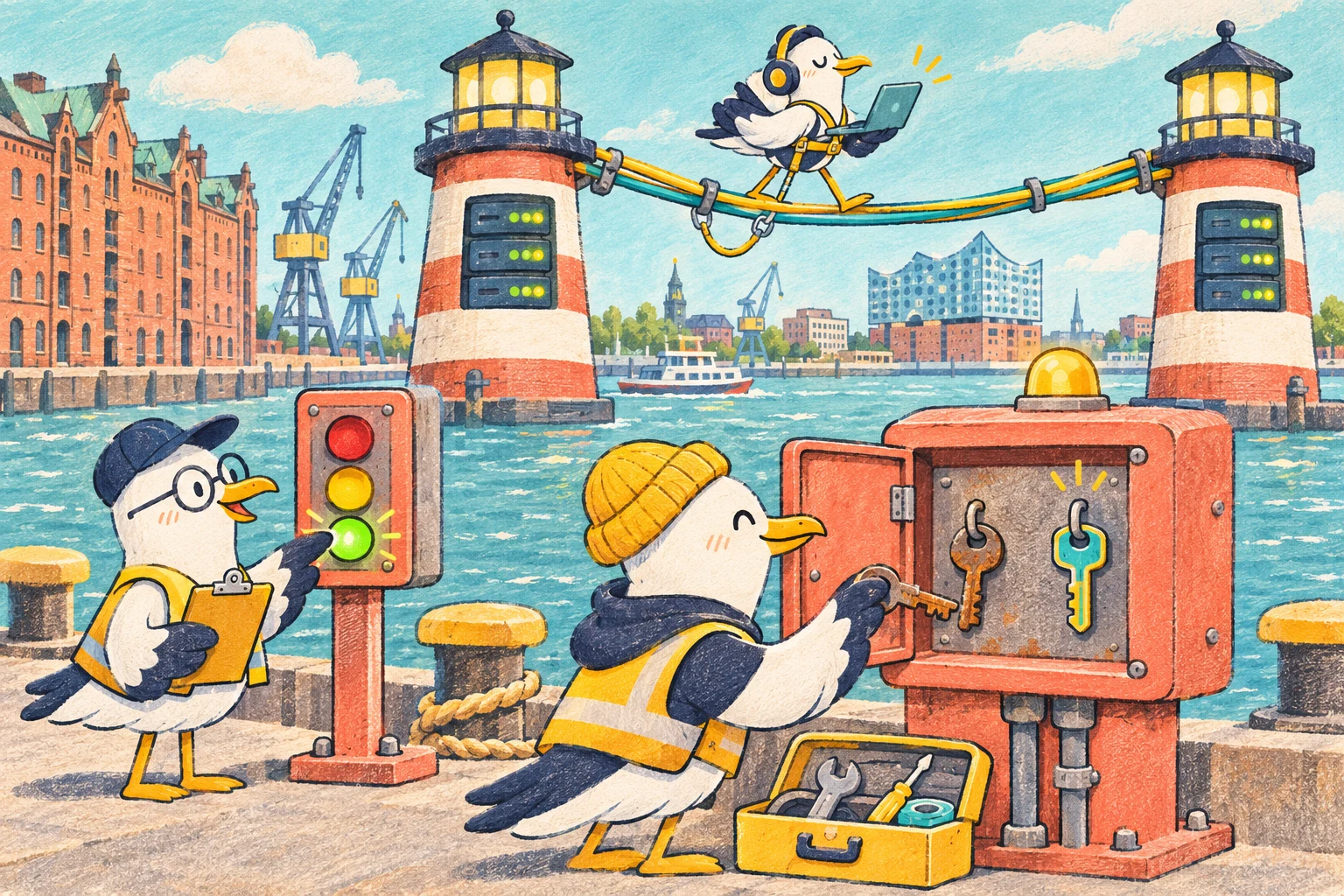
A production Image Generation API does not end at download. The asset needs a name, campaign, format, status, and owner. Before publication, the system should verify size, file type, alt text, color profile, and target channel. A person reviews brand, message, rights, and possible misinterpretation.
Moderation and technical safety checks matter. They are not rights clearance or brand approval. Product photography, people, licensed visuals, and client material still need documented ownership.
When an application generates images for individual users, OpenAI recommends a stable, privacy preserving safety_identifier for each person. The previous user parameter is deprecated. Marketing platforms should include that relationship in the technical design rather than adding a field shortly before launch.
Measure cost per approved asset
OpenAI prices GPT Image 2.6 through text and image tokens. Current documentation lists image output at 30 dollars per million billable output tokens. Markup edits have no separate surcharge but consume the normal tokens. SVG adds tokens used to author the vector document.
An inexpensive request can still create an expensive workflow. Ten unusable variants, manual retouching, and another approval meeting cost more than one precise pass. The dashboard should therefore show more than requests and API spend. It should track acceptance rate, edit count, time to approval, and asset reuse.
Those numbers reveal whether Flare really saves time, where Sunburst reduces cleanup, and which briefs fail repeatedly. The data then improves the whole creative process rather than only the prompt.
A useful first production run
One real campaign with limited risk is enough to start. Choose a master visual, two target channels, and a small number of formats. Define what must remain unchanged and what causes rejection before generation. Create the direction quickly, edit only marked details, and document every accepted variant.
After the run, the impressive demo is irrelevant. What matters is whether the team reached publishable marketing assets faster, preserved a recognizable brand, and delivered technically clean files.
When all three are true, the workflow can grow. Automatic format variants, larger campaigns, and direct handoff to a CMS or asset library make sense only then.
Our conclusion
GPT Image 2.6 makes AI image generation faster and more versatile. Flare, Sunburst, complexity, markup, SVG, and GIF create real possibilities for marketing, design, and creative automation.
The competitive advantage still does not live in the newest model. It lives in a system that recognizes good ideas, protects brand rules, directs edits precisely, and publishes only reviewed assets.
A team that collects prompts produces more images. A team that builds a creative workflow produces more value.
Primary sources
OpenAI: Introducing Images 2.6 describes the release, Flare, Sunburst, faster generation, GIFs, markup, and SVG.
OpenAI API: Image generation guide documents complexity, markup edits, SVG and GIF output, safety identifiers, cost, and technical limits.
OpenAI API: Image prompting guide explains how to choose between Flare and Sunburst and structure controllable image briefs.
OpenAI Deployment Safety Hub: Images 2.6 System Card describes the safety architecture and additional safeguards for GIF generation.